
 AI GIF Generator
 Free GIF Tools
 AI Video Effects
 AI Image Effects
Video to GIF


Upload Video *
Click or drag files here
Supports video files (MP4 / MOV)
View upload limits
Video: MP4 / MOV, ≤30.0MB, up to 1 videos, duration 1s ~ 20s, short side ≥240px, long side ≤1280px, aspect ratio 1:2.5 ~ 2.5:1
Total video duration: ≤20s
Resolution
240p
360p
480p
FPS
10
20
🎁Log in daily to claim up to 29 credits!
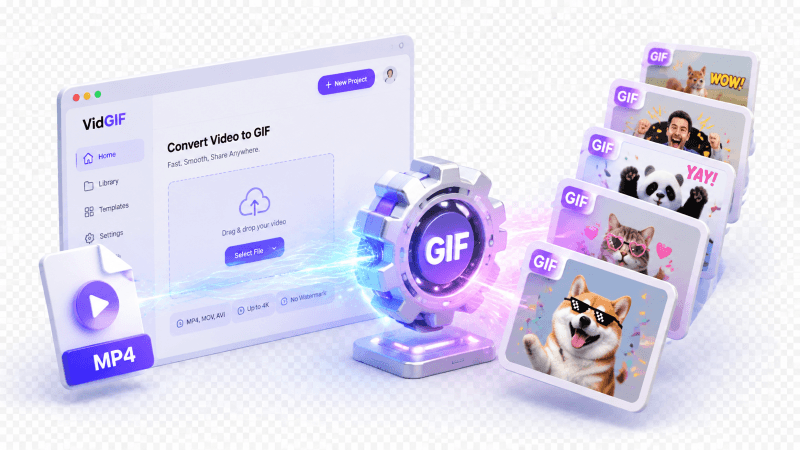
Convert Video to GIF Online – Fast & Free Video to GIF Tool
Looking for an intuitive video to gif converter? Discover how to create a GIF from a video effortlessly. Trim your video timeline, customize FPS and resolution (240p to 480p), and turn video to GIF instantly without watermark or complicated software.
No credit card required
Turn Viral Videos into Shareable Reaction GIFs
Got a hilarious video clip or an unforgettable reaction? Use our video to gif converter to grab that exact 3-second moment and turn video to gif format instantly. Perfect for dropping into Discord chats, Reddit threads, X (Twitter) replies, or Slack channels without sending bulky video files.

Create Engaging Content for Social Media & Blogs
Static images are boring, and full videos often get scrolled past. Learning how to create a GIF from a video gives your content marketing an edge. Easily convert video to gif to highlight product features, preview YouTube videos, or add eye-catching animations to your blogs, emails, and social feeds.
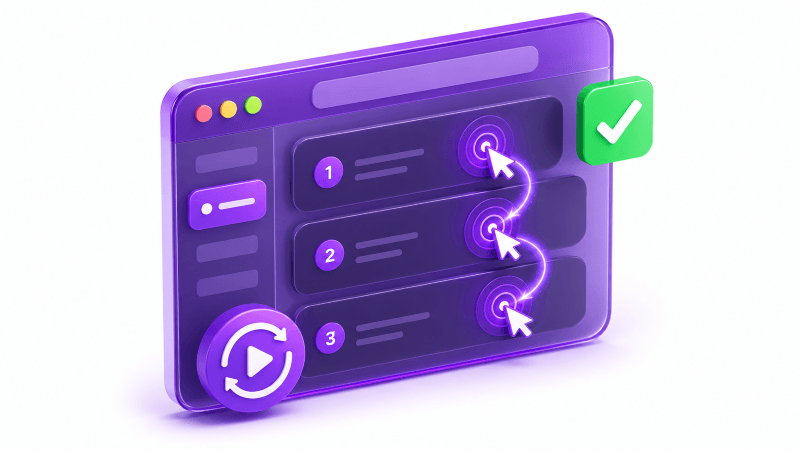
Make Instant Video Tutorials & How-To Snippets
Need to show users a quick UI walkthrough or a quick software fix? Skip bulky video players and external hosting. By converting short clips into GIFs, you get instant, auto-playing visual guides perfect for product docs, Zendesk help articles, or GitHub Readmes. Easily tune your resolution and FPS to strike the perfect balance between crisp quality and fast page load times.
How to Create a GIF from a Video in 3 Easy Steps
Step 1 – Upload Your Video Clip
Drag and drop or click to upload your MP4 or MOV file. We prioritize your privacy—your uploads are processed securely.
Step 2 – Trim & Customize Settings
Use the intuitive slider to trim the exact segment you want. Fine-tune your GIF by selecting resolution (240p–480p) and setting frame rates (10–20 FPS) for ideal file size.
Step 3 – Convert Video to GIF & Download
Hit the Generate button to instantly convert video to GIF. Preview your high-quality animation and save it to your device with one click—no watermark included!
No credit card required
Frequently Asked Questions About Video to GIF Conversion
Is this Video to GIF converter completely free to use?
Yes! Our Video to GIF converter is 100% free with no hidden fees, subscriptions, or watermarks on your downloaded GIFs.How do I create a GIF from a video without losing quality?
To get the best quality, upload a clear MP4 or MOV clip, use the Trim tool to keep only the necessary seconds, and set your FPS to 15–20 for smooth animation. Choosing 480p resolution gives you high visual clarity while keeping the rendering fast.What video formats and size limits are supported?
We support popular video formats including MP4, MOV. You can click "View upload limits" above the editor to check the current file size and duration caps for seamless browser performance.Can I adjust the GIF frame rate (FPS) and file size?
Absolutely. You have total control over the output. Lowering the resolution (e.g., 240p) and FPS (e.g., 10 FPS) will create a lightweight GIF with a small file size, while higher settings yield smooth, crisp animations.Is my uploaded video safe and private?
Your privacy is our priority. Your uploaded videos are processed securely and automatically deleted shortly after conversion. We never store, share, or view your private media.Can I turn a video to GIF on mobile phones or tablets?
Yes! Our online video to GIF tool is fully web-based and responsive. It works seamlessly in any browser across iOS, Android, macOS, and Windows—no software installation or app downloads required.