 AI GIF Generator
 Free GIF Tools
 AI Video Effects
 AI Image Effects
GIF Cropper
Drag File Here or Click To Upload
Supported formats: GIF, PNG, JPG, WEBP
🎁Log in daily to claim up to 29 credits!
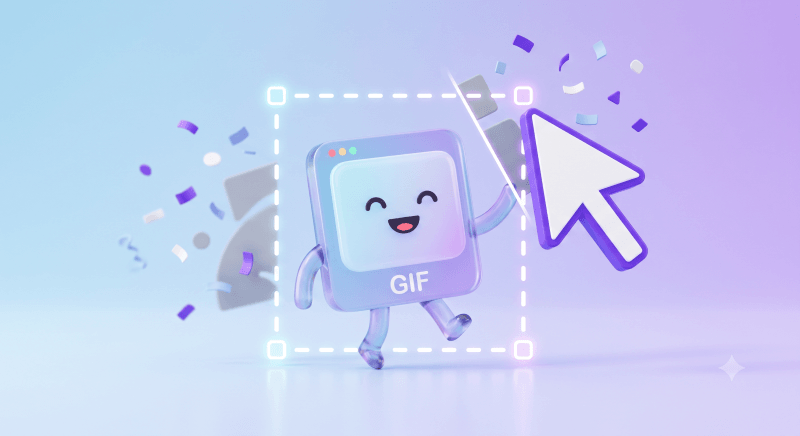
Free Online GIF Cropper: Crop GIFs Instantly with Zero Quality Loss
Seamlessly trim, resize, and remove unwanted edges from your GIFs in seconds. Whether you're customizing memes for Discord, fitting visuals for Twitter/X, or polishing animations for your blog, Gifify keeps your frame rates smooth and quality pixel-perfect—100% free, no watermark required.
No credit card required
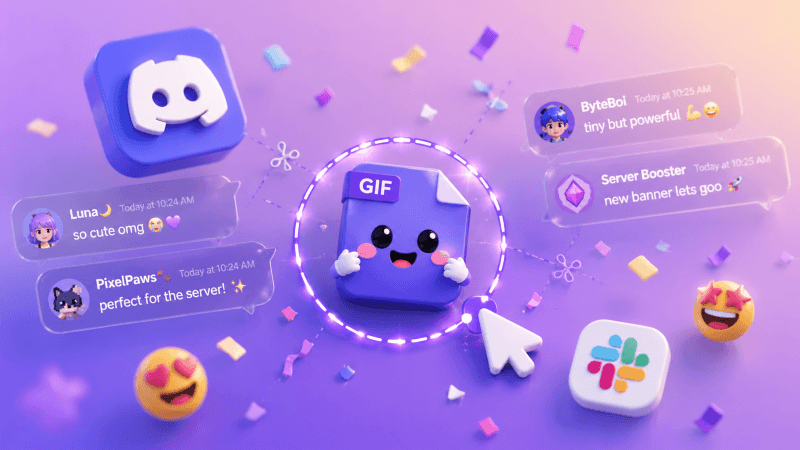
Crop Memes for Social Media & Viral Posts
Tired of black bars, awkward borders, or unwanted watermarks ruining your favorite reaction GIFs? Gifify lets you trim out the fluff and crop your GIFs to perfect aspect ratios—whether it's 1:1 for Instagram, 16:9 for X (Twitter), or 9:16 for vertical stories. Keep the focus entirely on the punchline.
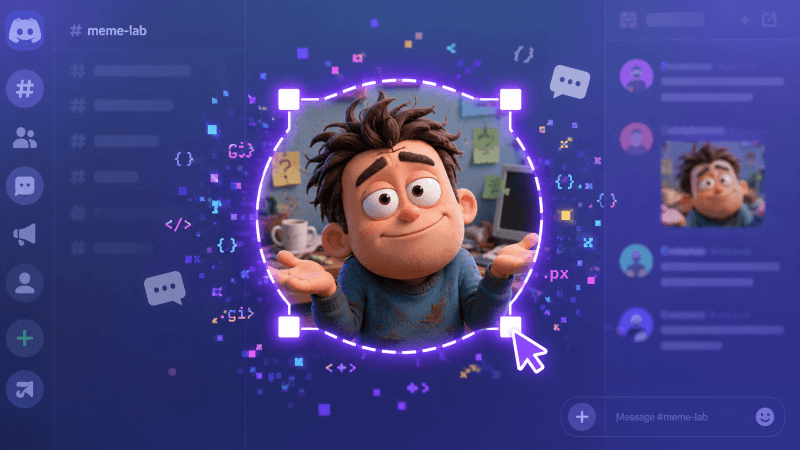
Perfect GIFs for Discord, Slack, and Telegram
Creating custom emojis and animated stickers for your workspace or gaming community? Standard GIFs often get cut off or rendered poorly due to file size and dimension limits. Use our GIF cropper to tightly frame characters, icons, or text animations so your custom Discord stickers and Slack emojis look crisp and pixel-perfect.
Refine GIF Animations for Blogs, Websites, and Presentations
Huge GIF files with unnecessary background elements can drag down your page load speed and distract your reader. Trim screen recordings, UI demos, or product previews down to the exact area that matters. Keep your blog tutorials concise, visually clean, and fast-loading without losing animation frames.
How to Crop a GIF Online in 3 Simple Steps
Step 1 – Upload Your GIF
Drag and drop your GIF into the editor, or click to choose a file from your computer or phone.
Step 2 – Adjust the Crop Area
Simply drag the corner handles or move the selection box to frame the exact part of the GIF you want to keep.
Step 3 – Crop and Download
Hit the Generate button to crop your image, preview the instant result, and download your new GIF with zero watermarks.
No credit card required
Frequently Asked Questions About GIF Cropper
Will cropping a GIF reduce its quality or frame rate?
Not at all. Gifify uses smart frame-by-frame processing to ensure that only the outer canvas dimensions are cropped. Your GIF’s original frame rate, animation speed, and visual crispness remain entirely untouched.Is Gifify GIF Cropper completely free to use?
Yes, 100% free! You can crop as many GIFs as you like without sign-ups, subscriptions, or hidden paywalls.Does Gifify add a watermark to my cropped GIFs?
No. We believe your creations belong to you. All GIFs exported from Gifify are clean, high-quality, and completely free of watermarks or branding.Is it safe to upload and crop my GIFs here?
Absolutely. Your privacy and security are our top priorities. All files are processed securely in your browser and automatically deleted from our servers shortly after processing. We never store or share your GIFs.Can I crop GIFs on my mobile phone?
Yes! Gifify is fully responsive and optimized for mobile browsers. You can easily drag and select crop areas on iPhone, iPad, or Android devices without installing any apps.