 AI GIF Generator
 Free GIF Tools
 AI Video Effects
 AI Image Effects
Image to Video
Model
 Grok Imagine 1.5 PreviewNEW






Upload Images
Prompt
0 / 1000✖
Resolution
480p
720p
1080p
Duration(s)
1
15
Aspect Ratio
- Auto
- 16:9
- 9:16
- 2:3
- 3:2
- 3:4
- 4:3
- 1:1
🎁Log in daily to claim up to 29 credits!
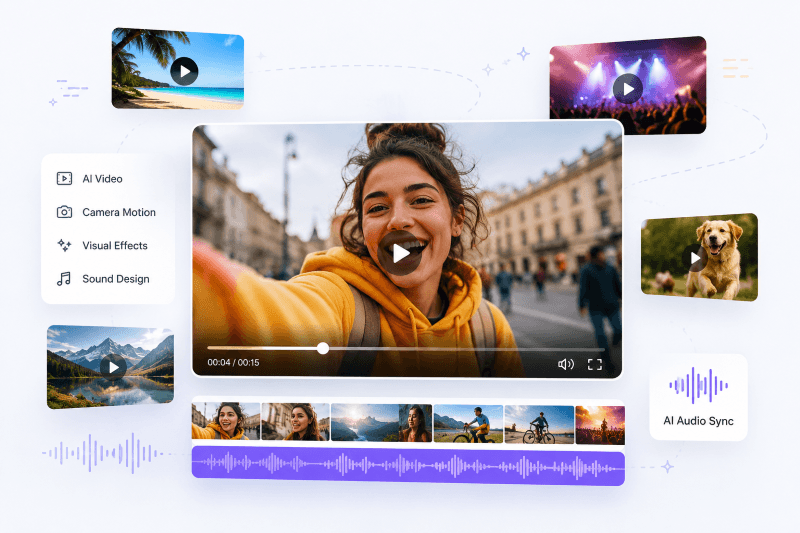
Turn your images into AI videos—with sound that matches the scene
With Grok Imagine 1.5 on Gifify, you don’t just generate motion—you generate complete short videos with synchronized audio. Camera movement, visual effects, and sound design all come together in one seamless result.
Perfect for social content that feels alive, immersive, and ready to share.
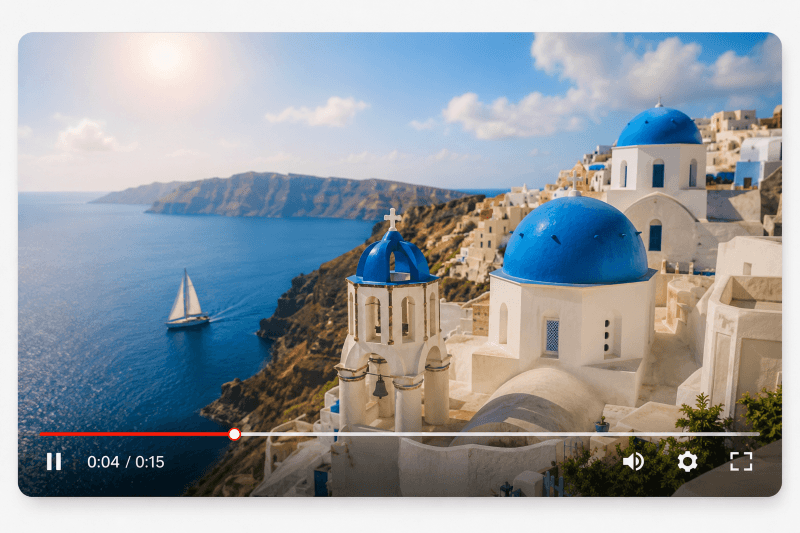
Turn Images into Attention-Grabbing Short Videos
Grok Imagine 1.5 turns static images into short videos that instantly feel more dynamic and alive. A simple picture can suddenly become a moving scene with cinematic flow, making it far more engaging on social feeds.
Instead of just describing motion, it actually follows your prompt to shape how the scene moves and feels, so your idea doesn’t stay still—it becomes something you can watch unfold.
It works especially well when you want to turn everyday visuals into content that people actually stop scrolling for.
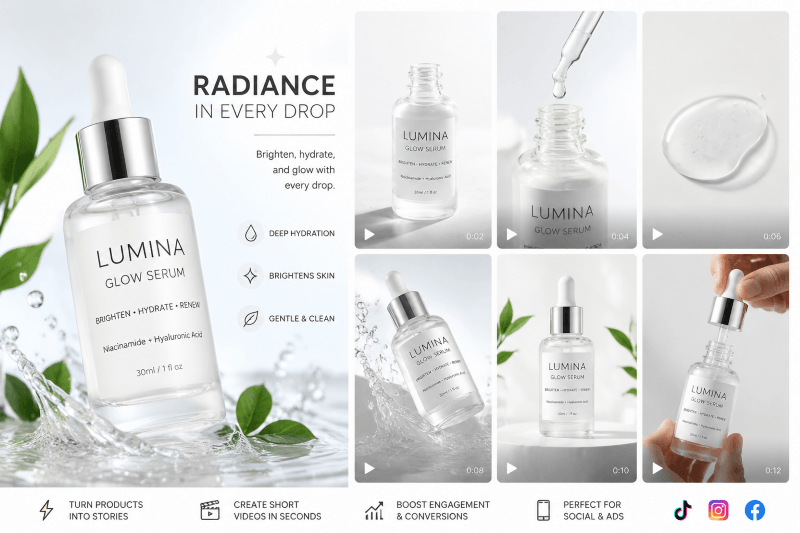
Create High-Impact Ads & Marketing Content in Seconds
For marketing and e-commerce, Grok Imagine 1.5 makes product visuals feel instantly more powerful. A single product photo can become a short promotional video ready for TikTok, Instagram, or ad campaigns.
What makes this especially useful is how easily it turns simple prompts into polished visual motion—adding lighting, movement, and transitions that usually take a full editing workflow.
It’s the kind of tool you reach for when you need something that looks “ready to publish” without spending hours in editing software.
Help Creators Make Content That Feels More Alive
Creators, influencers, and streamers can use Grok Imagine 1.5 to make their content feel more expressive and memorable. It works great for intros, highlight clips, or short storytelling visuals.
Because it combines motion and audio generation in one flow, the final result already feels complete—like something ready to post without extra editing.
This makes it especially useful when you want your content to stand out in fast-moving social feeds without spending extra time on production.
How to Use Grok Imagine 1.5
Step 1 – Upload Your Image
Start by uploading a single image. It can be a photo, illustration, or AI-generated artwork.
Step 2 – Describe the Motion
Type a prompt describing how you want the image to move—camera motion, mood, or style.
Step 3 – Generate & Download
Click generate and wait a few seconds. Your image will turn into a short AI video ready to download or share.
Frequently Asked Questions About Grok Imagine 1.5
What exactly does Grok Imagine 1.5 generate?
Grok Imagine 1.5 generates short-form videos with a maximum duration of up to 15 seconds. Most outputs fall between a few seconds and 15 seconds depending on the prompt and scene complexity. It is designed for fast, social-ready content rather than long-form storytelling.How much control do I have over the final video?
You control the result through your prompt. You can describe motion (like zoom, pan, or rotation), style (cinematic, anime, realistic), and even scene mood (calm, dramatic, energetic). However, you don’t manually edit timelines or keyframes—everything is generated automatically.Does Grok Imagine 1.5 really generate audio with the video?
Yes, Grok Imagine 1.5 generates audio together with the video. It supports synced sound effects, ambient audio, and voice-style narration (talking or voice-over content) in scenes involving characters. In some cases, this narration can appear aligned with lip movement, depending on the prompt and visual context.Can I use the generated videos for commercial content?
Yes, many users use Grok Imagine 1.5 videos for commercial purposes such as social media ads, product promotions, and branded content.In general, if you are creating original content or using rights-cleared materials, the generated videos can typically be used in marketing and business projects. For high-risk use cases (such as copyrighted characters or brand assets), commercial use may be restricted.