 AI GIF Generator
 Free GIF Tools
 AI Video Effects
 AI Image Effects
GIF Speed Changer
Upload GIF
Click to upload or drag and drop
Only supports .gif files
Playback Speed1.5x Speed
0.1x4.0x
Playback DirectionNormal Forward
Choose animation playback direction and style.
Output FormatGIF
Free Online GIF Speed Changer
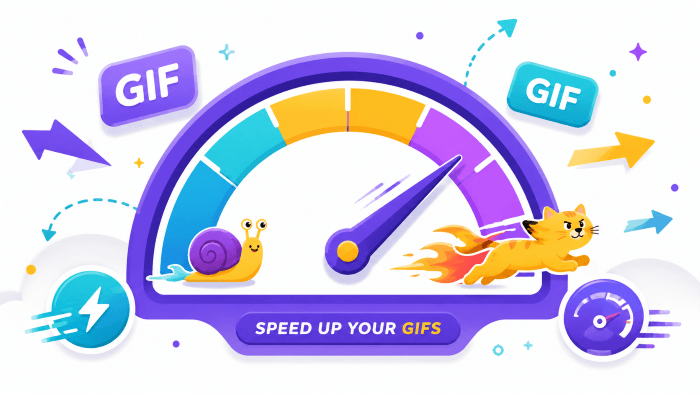
The easiest GIF speed changer to speed up or slow down animations in seconds. Adjust playback from 0.1x to 4.0x, loop with ping-pong effects, and export in crisp GIF or MP4 format.
No credit card required
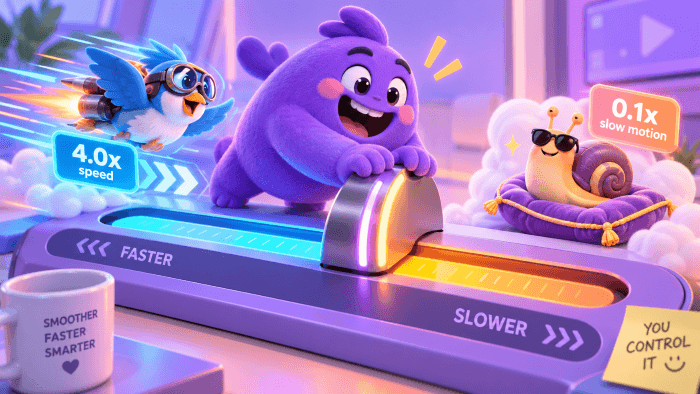
Control Animation Speed with Precision (0.1x to 4.0x)
Whether you need to speed up a long recording to fit Discord's file limits or slow down a high-action moment to catch every detail, our GIF speed changer gives you complete control. Quick-pick presets like 0.5x, 1.5x, and 2.0x for instant adjustments, or use the precision slider to dial in the exact pacing your animation needs.
● Speed Up Slow Moments: Compress time-lapse recordings, workflow tutorials, and long screen captures into quick, bite-sized animations.
● Smooth Slow-Motion: Highlight subtle reactions, athletic moves, or funny facial expressions without choppy frame drops.
● Speed Up Slow Moments: Compress time-lapse recordings, workflow tutorials, and long screen captures into quick, bite-sized animations.
● Smooth Slow-Motion: Highlight subtle reactions, athletic moves, or funny facial expressions without choppy frame drops.
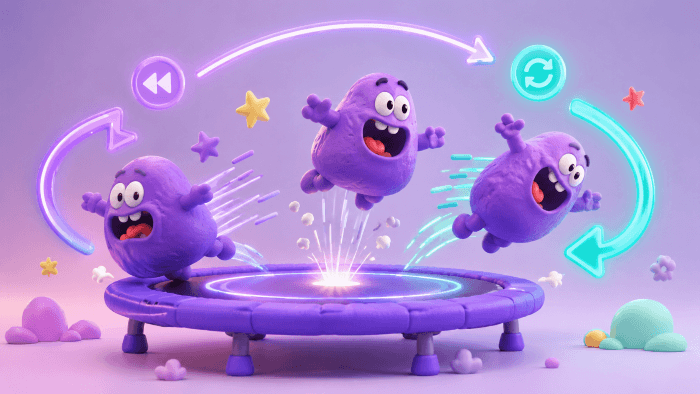
Reverse, Loop, and Ping-Pong Playback Styles
Pacing is only half the fun—direction changes the entire storytelling dynamic. Switch between Normal Forward, Reverse, and Ping-Pong (Forward & Back) modes in a single click. Turn everyday movements into mesmerizing visual loops that grab attention on social feeds and in group chats.
● Reverse Motion: Play actions backward to create surreal visual effects, rewound destruction scenes, or unexpected comic punchlines.
● Seamless Ping-Pong Loops: Bounce back and forth continuously to eliminate awkward visual jump-cuts at the loop boundary.
● Reverse Motion: Play actions backward to create surreal visual effects, rewound destruction scenes, or unexpected comic punchlines.
● Seamless Ping-Pong Loops: Bounce back and forth continuously to eliminate awkward visual jump-cuts at the loop boundary.
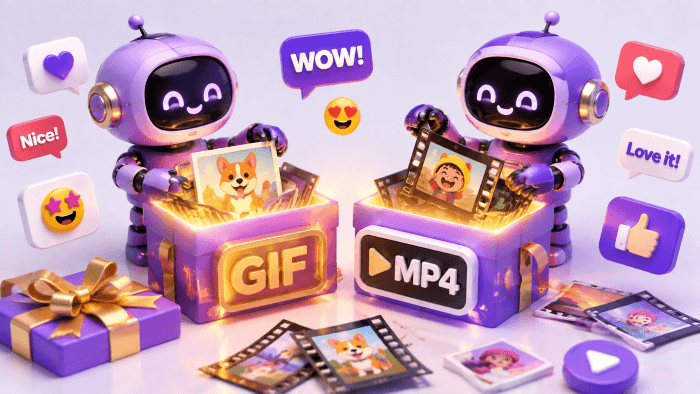
Export as GIF or MP4 for Any Platform
Different platforms have different rules. Keep your output as a lightweight animated GIF for Slack emojis, Notion pages, and GitHub readmes, or switch to MP4 video for smaller file sizes and high compatibility across Instagram, X (Twitter), and TikTok.
● Meme Makers & Creators: Craft fast-paced reactions and punchy animated memes that sync perfectly with your audience's attention span.
● Developers & Product Teams: Shrink UI demo sizes, optimize website documentation assets, and speed up onboarding walkthroughs.
● Community & Gaming: Clip game highlights, highlight epic fails in slow-mo, and share lightweight animated clips directly in chat.
● Meme Makers & Creators: Craft fast-paced reactions and punchy animated memes that sync perfectly with your audience's attention span.
● Developers & Product Teams: Shrink UI demo sizes, optimize website documentation assets, and speed up onboarding walkthroughs.
● Community & Gaming: Clip game highlights, highlight epic fails in slow-mo, and share lightweight animated clips directly in chat.
How to Change GIF Speed in 3 Simple Steps
Step 1: Upload Your GIF
Drag and drop your .gif animation into the upload box, or click to browse from your local device.
Step 2: Choose Speed & Playback Style
Pick a preset (0.25x–3.0x) or drag the precision slider from 0.1x to 4.0x. Set your direction to Forward, Reverse, or Ping-Pong.
Step 3: Select Format & Download
Choose whether to export as an animated GIF or an MP4 video, then hit the download button to save your file instantly.
No credit card required
Frequently Asked Questions about GIF Speed Changer
Will changing the GIF speed reduce the image quality?
No. Our GIF speed changer adjusts frame delay intervals rather than recompressing pixel data aggressively. Your output maintains the original resolution, color depth, and sharpness.What is the difference between exporting as a GIF vs. MP4?
Animated GIFs are ideal for instant looping across platforms like Discord, Slack, and GitHub with no player controls needed. MP4 videos offer significantly smaller file sizes and broader compatibility on social media platforms like Instagram, X (Twitter), and TikTok.What does the "Ping-Pong" playback mode do?
Ping-Pong mode plays your animation from start to finish and then reverses it back from finish to start continuously. This creates a fluid, seamless loop without the visible "jump" often seen at the restart point of standard GIFs.Is this GIF speed changer completely free and watermark-free?
Yes, it is 100% free with zero watermarks on your exported files. You can adjust, reverse, and download as many GIFs as you like without needing an account or subscription.Can I slow down a GIF to create smooth slow-motion?
Yes. You can slow down playback to as low as 0.1x or use presets like 0.25x and 0.5x. For the smoothest slow-motion results, we recommend using source GIFs recorded at a higher frame rate (FPS).