
 AI GIF Generator
 Free GIF Tools
 AI Video Effects
 AI Image Effects
GIF to MP4
Upload GIF
Click to upload or drag and drop
Only supports .gif files
Video Loop Multiplier2x Loop
Repeat GIF animation to make video suitable for social platforms (Instagram, TikTok, X).
Resolution Scale Target: --
Target Frame Rate24 FPS
Video QualityHigh (HD)
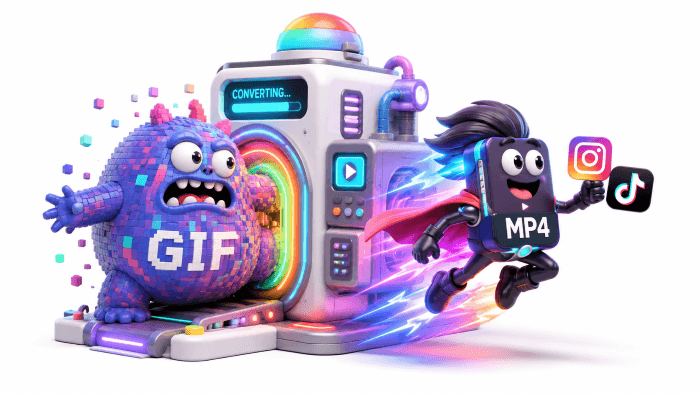
Convert GIF to MP4 in Seconds—Fast, Lossless & Social-Ready
Stop struggling with huge GIF files that lag your site and get blocked on Instagram or TikTok. Effortlessly turn any GIF into a high-quality MP4 video with custom loop, scale, and FPS controls—100% free and client-side safe.
No credit card required
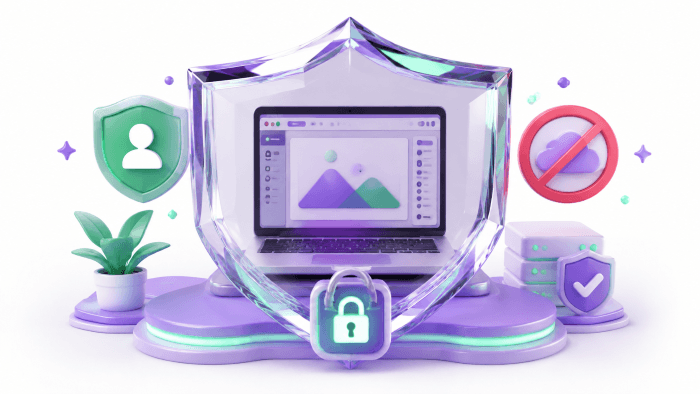
100% Client-Side Processing for Instant, Private Conversion
Unlike standard online video tools that force you to upload large media files to remote servers, Gifify runs purely inside your browser canvas. Your images never leave your local device, eliminating long upload queues, privacy risks, and server waiting times. Enjoy instantaneous rendering and absolute security every time you convert GIF to MP4.
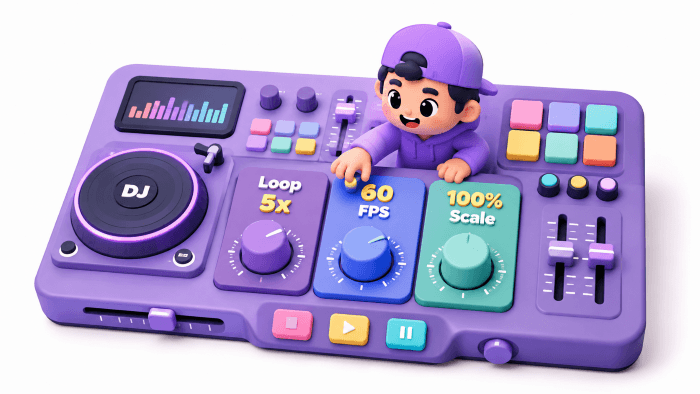
Custom Loop & Quality Controls Tailored for Every Platform
Take complete creative command over your exported media. Short 1-second GIFs often get rejected by social algorithms; our Video Loop Multiplier (1x to 10x) allows you to extend playback seamlessly for continuous feeds. Fine-tune your target frame rate (15–60 FPS), scale dimensions from 25% to 100%, and pick custom bitrates (High HD to Compact) to produce crisp, perfectly proportioned MP4s.
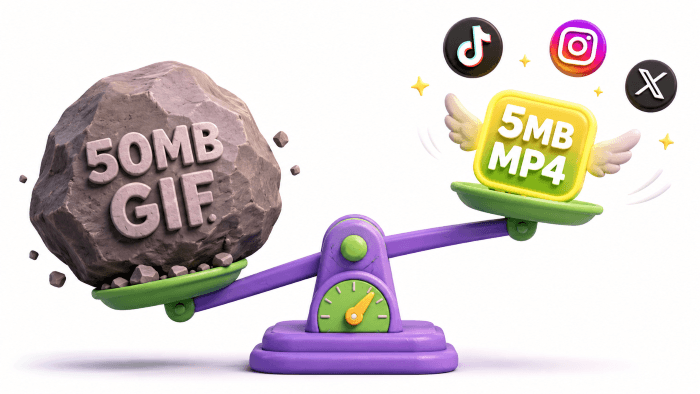
Slash File Sizes by 90% for Fast Web Loading & Social Sharing
Transforming your GIF to video is the fastest way to fix sluggish website loading and unlock broad platform compatibility. Standard GIFs rely on outdated, frame-by-frame encoding that results in bloated file sizes. Converting them to modern MP4 format slashes file weight by 70% to 90% while maintaining sharp image quality—making your content instant-loading for mobile websites and ready for Instagram, TikTok, X, and messaging.
How to Convert GIF to MP4 in 3 Simple Steps
Step 1 – Upload Your Animated GIF
Drag and drop your GIF file or click to choose one from your device. Our engine instantly analyzes the frames, image dimensions, and original animation speed right in your browser.
Step 2 – Tailor Your Video Settings
Select a Video Loop Multiplier (1x–10x) so your short animation naturally loops on platforms like Instagram and TikTok. Adjust target resolution scale, frame rate (FPS), and bitrate quality to match your exact needs.
Step 3 – Convert & Save MP4 Video
Click Convert. Gifify renders your frames locally in real time without sending data to any server. Once finished, download your optimized, high-quality MP4 file instantly!
No credit card required
Frequently Asked Questions About GIF to MP4 Conversion
Will converting a GIF to MP4 lower its file size and quality?
It actually makes your file dramatically smaller without losing crisp visual quality! Traditional GIFs use heavy frame-by-frame storage. Modern MP4 video compression reduces file sizes by 70% to 90% while preserving sharp resolution and color accuracy.Why should I set a Video Loop Multiplier for my GIF?
Many animated GIFs only last 1–2 seconds, which is too brief for social platforms like Instagram, TikTok, or YouTube Shorts that enforce minimum video duration requirements. Our Loop Multiplier (1x to 10x) repeats your animation seamlessly, making it long enough to publish on social feeds without getting rejected.Is it safe to convert private GIFs on Gifify?
Absolutely. Gifify performs 100% client-side conversion directly within your browser’s local rendering engine. Your media files are processed locally on your phone or computer and are never uploaded to any server or cloud storage.Can I convert GIFs to video on my mobile browser (iPhone / Android)?
Yes! Gifify is fully optimized for web browsers across iOS, Android, macOS, and Windows. You don't need to install any app or extension—just open your mobile browser, select your GIF, and download the MP4 instantly.